Android assistant mode
Use the assistant features built into Android to open Android Settings. Voice requests like handing a destination to your maps app are planned.
 Patton Logic
Android Phone Use · In development
“Get directions to the airport.”
We’re building two ways to use ChatGPT on your phone. Android’s built-in assistant features handle everyday requests. With optional wireless ADB, ChatGPT can also open apps and tap through their screens.
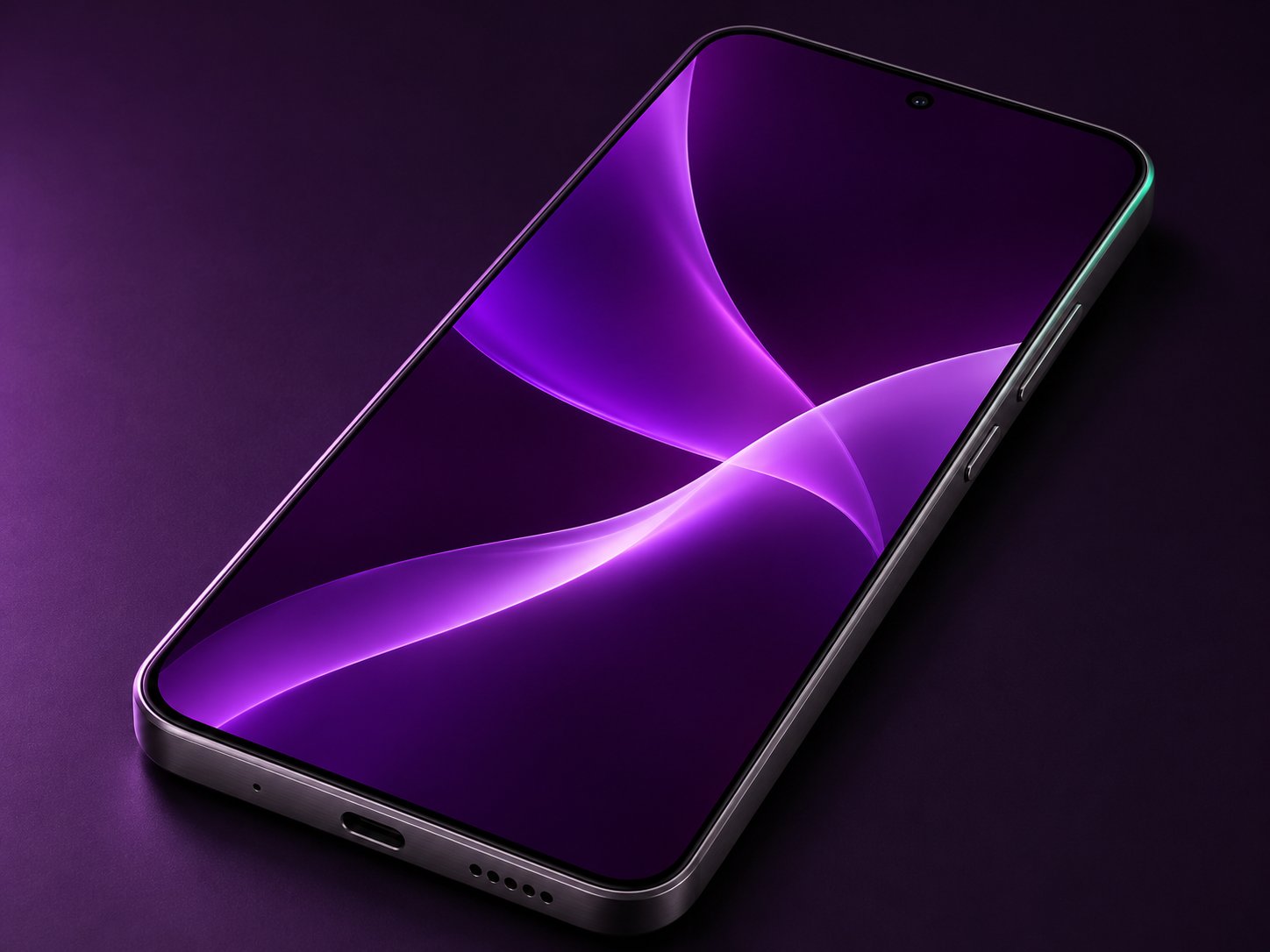
We plan to distribute Android Phone Use through Google Play. The app is still in development.
Use the same Google account on each phone and approve each connection. One purchase will cover the phones connected to that account.
In ChatGPT, choose the phone you want to use. You’ll be able to pause access on each phone separately.
In the planned first release, you’ll sign in with the same Google account and confirm access on each phone. You’ll choose which phone receives a request.
The native assistant checks the phone before carrying out an action. It declines when access is paused, the screen is locked, or neither the app nor its assistant is visible. Wireless ADB requires a separate pairing that you approve on the phone.
The app opens an encrypted HTTPS connection from the phone to OpenAI’s tunnel service. It also encrypts its saved connection credentials with a key held in Android Keystore and excludes them from backups.
Yes. The first release is designed to cover multiple Android phones with one purchase. Sign in to every phone using the same Google account, approve each phone, and choose which one to use in ChatGPT. A different Google account has its own phones and purchases.
Yes. The planned app supports both. Android assistant mode uses Android’s built-in features. For ADB mode, turn on Wireless debugging and pair the companion on the phone you want to control.
The public Google Play release is planned. Contact Patton Logic to ask about availability.
The companion is designed to run on your Android phone. You’ll need an internet connection to use it with ChatGPT.
Google sign-in is planned for the first release. You’ll also confirm the connection on the phone you want to use.